Case study · AI product design
I skipped my weekly summary because the tooling made it feel like a project, so I built AI summaries into the tool that already knows my week.
A Weekly Report feature for Timetraked, my time tracking PWA, plus a separate generator that turns a summary into a full report.
- Role
- Lead product designer and product manager
- Type
- Feature extension, personal productivity tool
- Stack
- React, TypeScript, Tailwind CSS, Google Gemini API (Timetraked); OpenAI GPT 5.5, Docker (Weekly Report Generator)
- Status
- Shipped and in daily use. The Weekly Report Generator runs in Docker and is currently private, with plans to make it public.
- Under 1 minTo produce a weekly summary, available wherever Timetraked is
- 30 min → 1Minutes per full weekly report, from about 30 by hand
- DailyTimetraked has been in daily use since early 2025
Step 1 · Context
Summarizing my week took a second tool, a PDF export, and manual cleanup, so I skipped it.
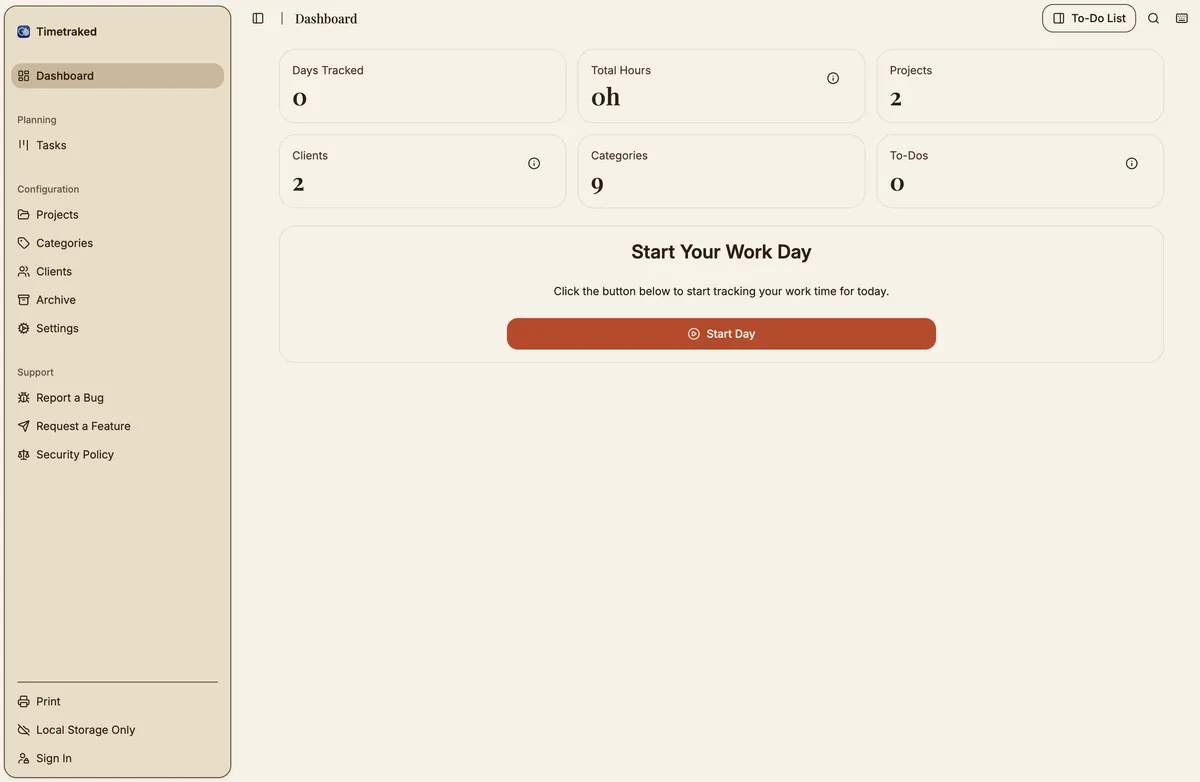
Timetraked (formerly TimeTracker Pro) is a Progressive Web App I designed, built, and use every day. It installs like a native app, stores data locally by default, and needs no account. Through the day I create tasks, assign them to projects and categories, and archive each completed day.
I built it because every time tracker I tried was either too complex for personal use or too simple to be useful. It has grown into a small, complete product with export formats, project management, offline support, and invoicing.
After archiving each week, I ran a second tool to generate a summary. It only accepted PDFs exported from the time tracker, only ran on a local development server, and produced output that always needed manual cleanup.
No real integration
The generator only accepted PDFs from the time tracker. The export was the only bridge between them.
Availability
It ran on a local Vite server, so it was only reachable from my machine in a single context.
Output needing edits
It had no idea who I was writing for, so every summary came out generic and sounded the same week to week.
OpportunityThe right tool for summarizing my work week is the tool that already knows my work week.
Step 2 · Key decisions
I extended the app instead of building a better standalone tool, and kept the full report generator separate on purpose.
Extend, not replace
A standalone tool would still need an export step, a file upload, or an API connection to reach my time data. It would have to work with any input, which means losing the context that makes a summary useful: what categories mean, which projects are billable, and what a typical week looks like for me.
Extending Timetraked meant the feature reads from the same local data store as the rest of the app, with no synchronization problem and no format negotiation. It also let the feature be opinionated. It excludes break and lunch categories, understands the project and client structure, and groups a week of task descriptions into a narrative instead of a list.
Two tools, one deliberate boundary
The short weekly summary and the full weekly report do different jobs. The summary lives inside Timetraked because it reads daily entries from the same database. The Weekly Report Generator is separate: you paste in the summary and the AI writes a full report from a template built into the system.
The hardest question was whether to fold the generator in too. I kept it separate so it works with any summary, not only ones tied to one tool’s data format, and so its use cases can grow.
The cost
Another repository, another set of dependencies, and a copy-and-paste step between the tools. I accepted all three to keep the generator reusable.
What is next
The template is built in for now. Making it easy to customize for different outputs is the next item, and the generator is private for now, with plans to make it public.
Step 3 · Final design
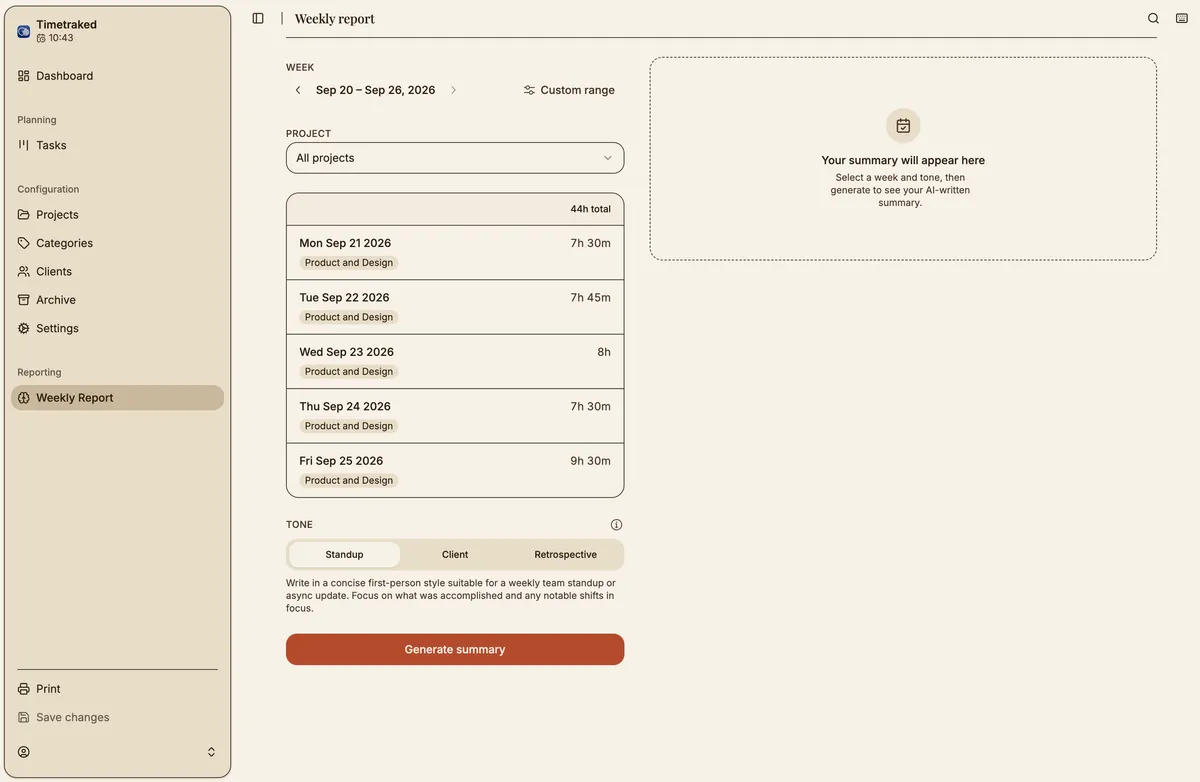
The AI is a visible step in a workflow, not a magic trick: configure on the left, review and edit on the right.
Two-panel layout
At wider viewports, controls sit on the left and output on the right. The interaction has two modes, configuring the request and reviewing the result, and one scrolling column would blur them. The left column handles week navigation, the data breakdown, and tone selection. The right column only reacts, showing one of four states: idle, generating, error, or a draft ready to edit and copy.
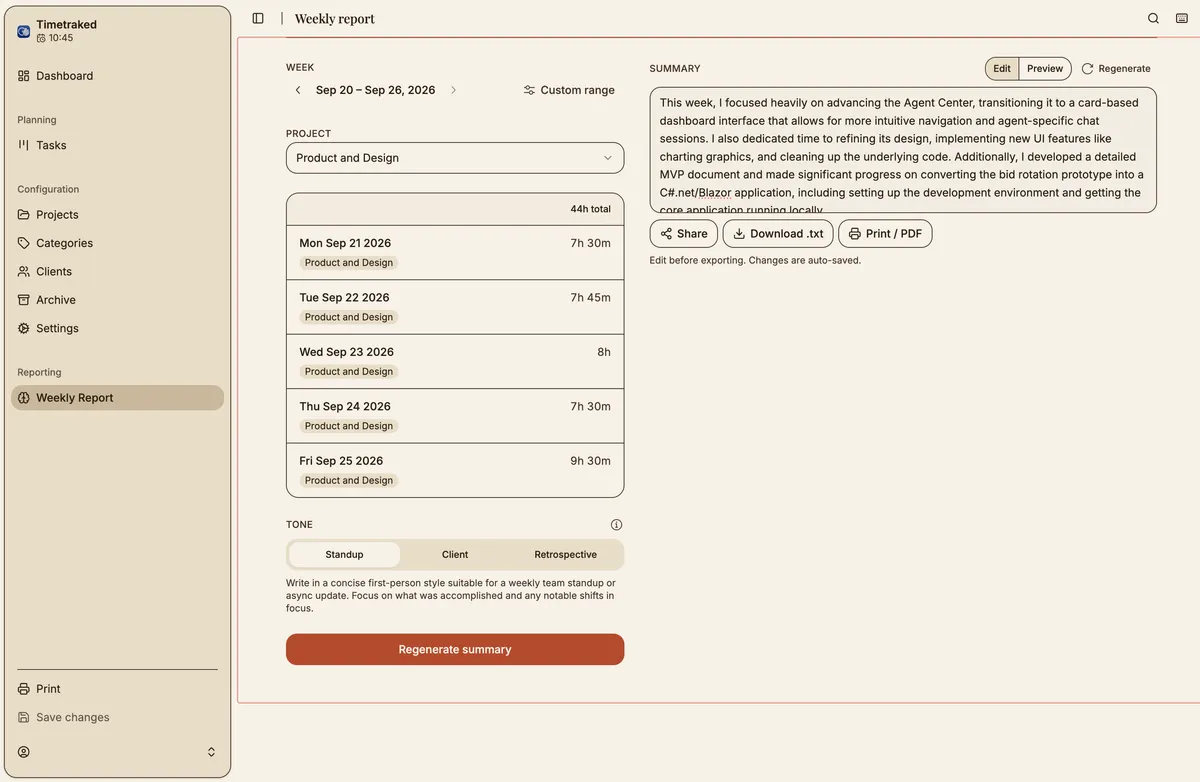
Generation as a legible transition
While generating, the right panel names the week being summarized and shows staggered skeleton lines. The idle state uses a dashed container with a short explanation, so the layout never reads as broken on first load. Errors are structured and recoverable: a header naming the failure, a plain-language description, and an inline “Try again”.
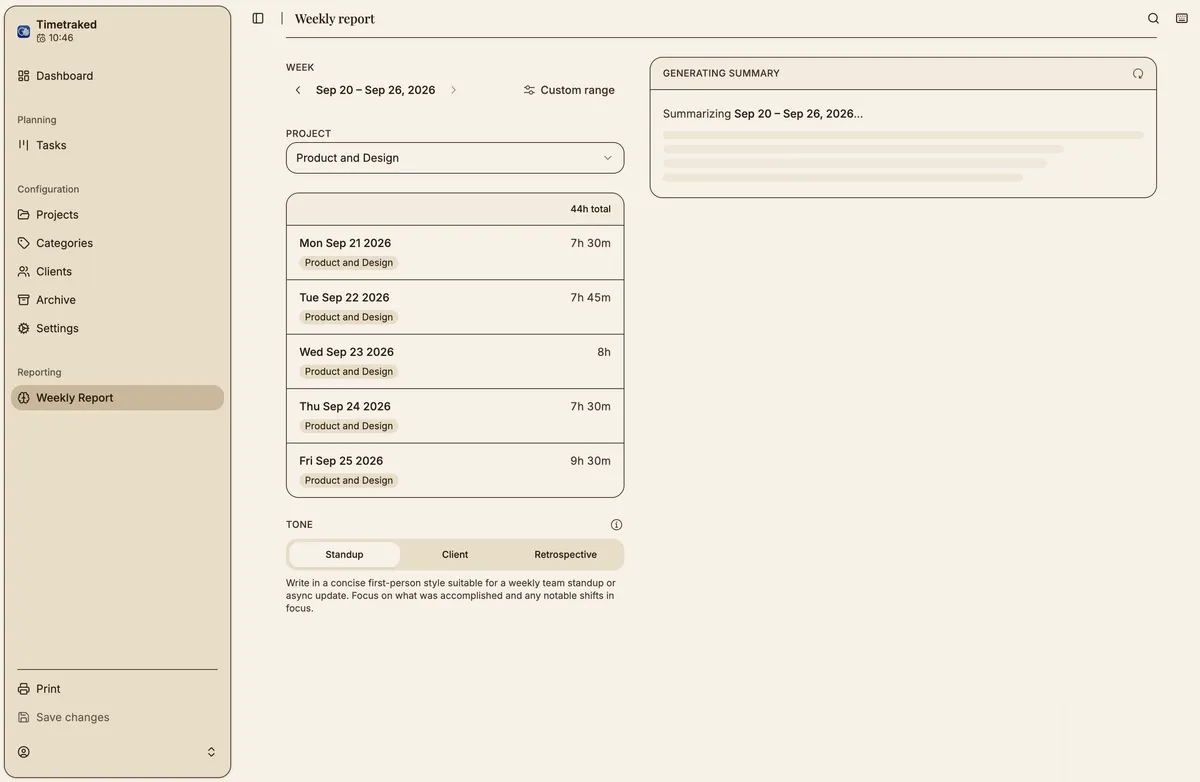
Tone as a product decision
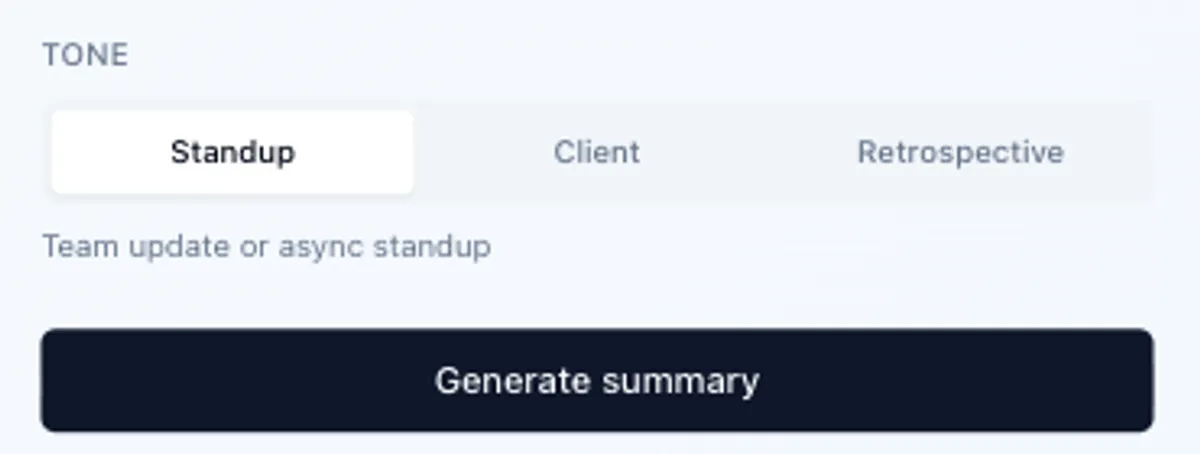
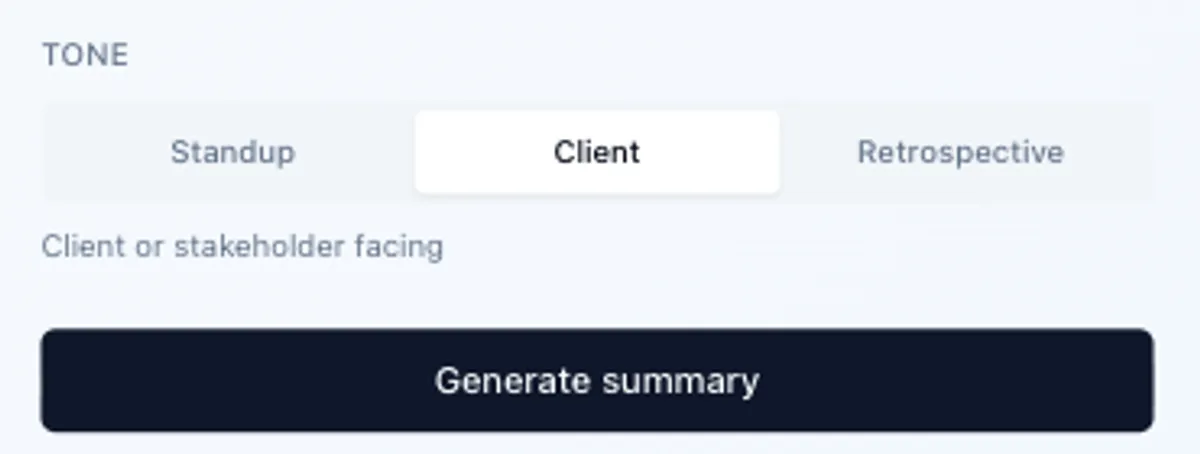
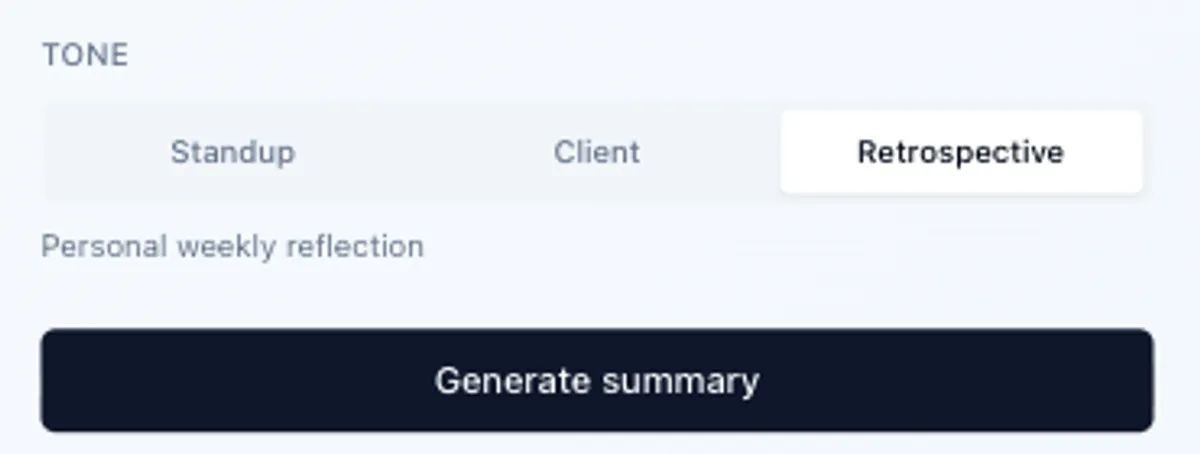
The tone selector reflects a real choice I make every week about who I am writing for. Each tone maps to different system prompt instructions and produces meaningfully different output. Changing the tone resets the existing summary, so you never mistake a standup draft for a client-ready one.
Editable output by default
The summary appears in an editable text area, which frames the AI correctly: it drafts, the human approves. A copy button and a short “changes are not saved” note complete the model, and a regenerate button sits beside copy for the two things people want to do with a draft: try again or take it.
Prompt architecture
The system instruction sets the persona, length (3 to 5 sentences), voice (first-person, no filler), and the instructions for the selected tone. The user message carries the serialized week: task titles, descriptions, project names, and durations. Before sending, serialization strips timestamps, IDs, and non-work categories, so the model sees only what a person would write into a prompt by hand. Sending structured noise returns structured noise.
The prompt is designed to evolve as I notice what I edit or regenerate, and the tone categories can expand, for example to a sprint summary or an executive update.
Step 4 · Impact
A ritual I used to skip now takes under a minute.
I use the standup tone on Monday morning to orient the week and the retrospective tone on Friday to close it out. Before this feature, I skipped that ritual more often than not because the tooling made it feel like work. The summary is available wherever Timetraked is, and the output usually needs one or two edits instead of a rewrite.
The Weekly Report Generator extends the routine. I use it every week, and it produces a full report in under a minute that used to take about 30 minutes to write by hand.
The project shows a specific mix of skills: finding friction in a real workflow, deciding where a feature belongs architecturally, designing the interaction states that make AI output feel trustworthy, and shipping something that has been in daily use since launch.